
Parimatch India Registration 2026 — Sign Up, Login & KYC Complete Guide
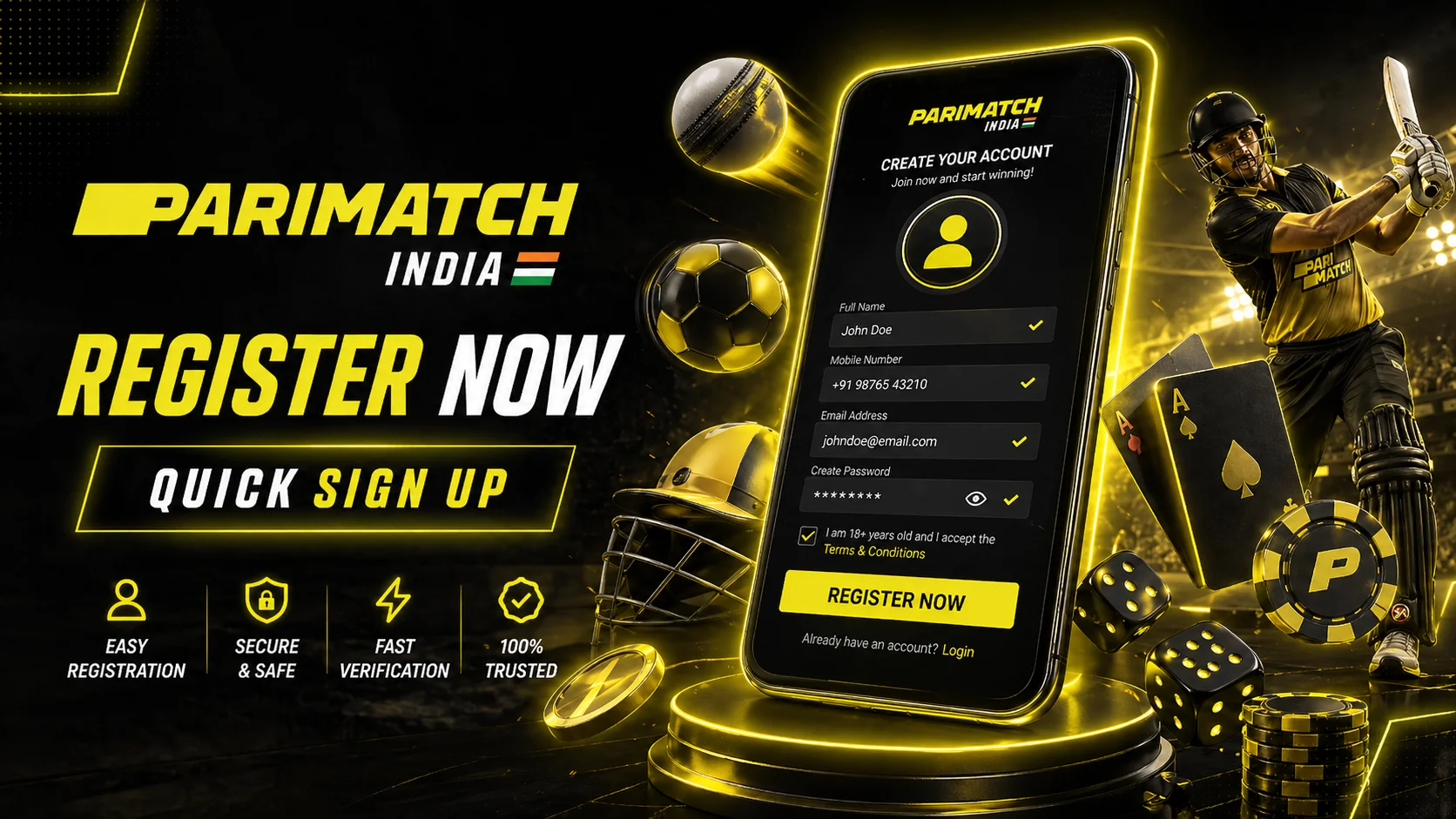
Creating a Parimatch India account takes under 2 minutes and gives you immediate access to 5,000+ casino games, 40+ sports betting markets, and the 150% welcome bonus. This step-by-step parimatch registration india guide covers everything from filling the signup form to completing KYC verification with Aadhaar and PAN. Whether you are a new player visiting the Parimatch Casino India official portal for the first time or returning to update your account details, every process is documented in full below for 2026.
Parimatch Registration India — 5 Steps
The parimatch sign up india process is optimised for mobile and desktop. Here is everything you need to complete each step successfully.
Step 1: Open the Parimatch Registration Page
On desktop, go to parimatch-review.in and click the yellow "Sign Up" button in the top-right corner of the header. On mobile, the Sign Up button is accessible from the hamburger menu or the sticky CTA bar at the bottom of the screen. The registration modal or page loads instantly without redirecting away from your current page.
On the mobile app, tap "Register" on the welcome screen. The in-app form is identical to the website form and is optimised for smaller screens with enlarged input fields.
Step 2: Fill in the Registration Form
The parimatch sign up india form requires the following information:
- Email or phone number: You can register with either. Email accounts allow easier password recovery. Phone accounts allow faster SMS verification. Use an email address you actively check — account notifications and withdrawal confirmations are sent there.
- Password: Minimum 8 characters. Must include at least 1 number and 1 special character (e.g., @, #, $, !). Example of a valid password: Cricket2026@. Avoid obvious combinations like your date of birth or phone number.
- Date of birth: You must be 18 or older to register. Parimatch India enforces age verification strictly — providing a false date of birth can result in permanent account closure and forfeiture of all funds.
- Currency: Select INR (Indian Rupee). This cannot be changed after registration. All deposits, balances, bonuses, and withdrawals will be processed in INR.
- Country: Select India. This determines which payment methods, bonuses, and sports markets are available to your account.
Step 3: Enter Promo Code & Choose Your Bonus
After filling the basic form, you will see a bonus selection screen and a promo code field. This is one of the most important steps of the how to register parimatch india process:
| Bonus | Casino Welcome | Sports Welcome |
|---|---|---|
| Amount | 150% up to ₹30,000 | 125% up to ₹20,000 |
| Free Spins | 150 FS on selected slots | None |
| Min Deposit | ₹300 | ₹600 |
| Rollover | 30× (slots only) | 5× on accumulators |
| Validity | 7 days | 14 days |
| Best for | Slots, live casino players | Cricket, sports bettors |
Choose Casino Welcome if you plan to primarily play slots and live dealer games. Choose Sports Welcome if cricket betting and accumulator bets are your main interest. The bonus choice can only be changed before your first deposit — contact live chat immediately after registration if you change your mind. For full bonus terms, see the Parimatch India welcome bonus page.
The promo code field is optional. Enter any current promo code in the designated box to activate additional offers on top of the standard welcome bonus.
Step 4: Verify Your Email or Phone
After submitting the form, Parimatch sends a verification message:
- Email verification: Check your inbox for a message from Parimatch (sender: [email protected]). Click the "Verify Email" button. If not received within 2 minutes, check your spam/junk folder. If still missing, go back to the registration page and click "Resend verification email."
- SMS verification: A 6-digit code is sent to your registered phone number. Enter it in the verification field on the Parimatch website. Code expires in 10 minutes. If not received, ensure you entered the correct number without the +91 prefix, then click "Resend SMS."
Common issues: Gmail's Promotions tab filters Parimatch emails — check there first. Jio numbers occasionally experience SMS delays of 3–5 minutes during peak hours.
Step 5: Make Your First Deposit
After verification, log in and go to Wallet → Deposit. Follow these steps for UPI (recommended):
- Select UPI from the payment method list
- Enter the deposit amount (minimum ₹300 for Casino Welcome, ₹600 for Sports Welcome)
- A QR code and UPI ID (e.g., parimatch@axisbank) will appear
- Open your banking app (BHIM, PhonePe, Google Pay, Paytm, or any UPI-enabled bank app)
- Scan the QR code or enter the UPI ID manually
- Enter the exact amount and confirm with your UPI PIN
- Return to the Parimatch website — your balance and bonus will update within 60 seconds
For PhonePe: open the PhonePe app → Send Money → To UPI ID → enter the Parimatch UPI ID → amount → confirm. For PayTM: PayTM app → Pay/Transfer → UPI ID → enter and confirm.
Choose Your Welcome Bonus — Detailed Comparison
Both welcome bonuses at Parimatch India are among the most competitive in the Indian market. Selecting the right one based on your playing style is essential to maximising value from your parimatch registration india.
| Detail | Casino Welcome | Sports Welcome |
|---|---|---|
| Bonus % | 150% | 125% |
| Max Bonus | ₹30,000 | ₹20,000 |
| Free Spins | 150 FS (Wolf Gold, Gates of Olympus) | None |
| Min Deposit | ₹300 | ₹600 |
| Rollover | 30× bonus on slots | 5× on 2+ leg accums @ 1.50+ |
| Validity | 7 days | 14 days |
| Excluded Games | Live casino, table games, sports | Singles, below 2 selections |
Casino Welcome is best for: Players whose primary interest is slot machines, Aviator, crash games, and live dealer tables. The 150 free spins add immediate no-risk play on top-rated titles.
Sports Welcome is best for: Cricket bettors, IPL punters, and accumulator specialists. The 14-day rollover window and 5× wagering requirement are far more achievable than the casino's 30×.
Can you change your bonus selection after registration? Yes — but only before making your first deposit. Contact live chat and request the change. After the first deposit is processed, the bonus type is locked permanently.
Making Your First Deposit
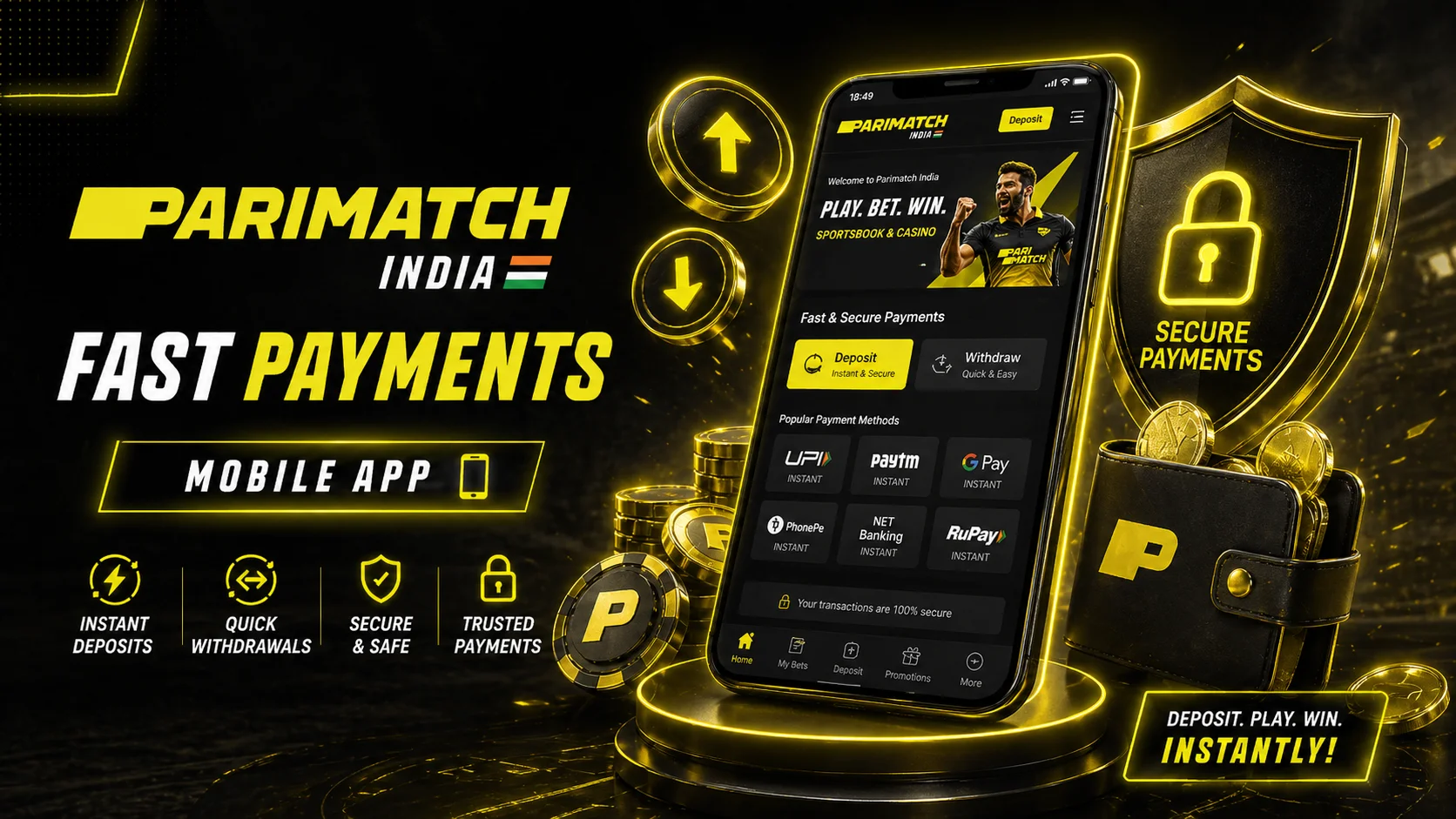
Parimatch India supports three primary instant payment methods for Indian players. All deposits are credited in real-time with zero processing fees on Parimatch's side.
UPI — Recommended Method
- Wallet → Deposit → UPI
- Enter amount (₹300 minimum for Casino Welcome)
- Copy the UPI ID displayed or scan the QR code
- Open your bank's UPI app (BHIM, GPay, Paytm, PhonePe)
- Paste or scan → enter exact amount → confirm with UPI PIN
- Balance appears in your Parimatch account within 60 seconds
PhonePe
- Wallet → Deposit → PhonePe
- Enter amount → you are redirected to PhonePe payment screen
- Confirm in PhonePe app → return to Parimatch
- Credit within 30–60 seconds
PayTM
- Wallet → Deposit → PayTM
- Enter amount → PayTM payment page loads
- Log into PayTM if prompted → confirm payment
- Credit within 60 seconds
If money has been debited from your bank account but not credited to Parimatch after 5 minutes, go to Wallet → Transaction History → find the pending transaction → click "Need Help." Parimatch support resolves untracked deposits within 2–4 hours using your bank reference number (UTR/transaction ID).
KYC Verification — Complete India Guide
KYC (Know Your Customer) is the identity verification process required before your first withdrawal. You can register, deposit, receive bonuses, and play without completing KYC — but all withdrawals are blocked until verification is approved.
When is KYC Required?
- Mandatory before your first withdrawal request
- May be triggered earlier if your account is flagged by AML (anti-money laundering) systems — typically when cumulative deposits exceed ₹50,000
- Required if you change your registered email or phone number
Documents Required for Parimatch KYC India
- Aadhaar Card (front + back): The most important document. All 12 digits of your Aadhaar number must be clearly visible. The name on your Aadhaar must match the name you registered with exactly.
- PAN Card: Must be undamaged with the PAN number, name, date of birth, and photo clearly visible. The name must match your Aadhaar card precisely.
- Selfie with Aadhaar: Hold your Aadhaar card next to your face. Both your face and the Aadhaar card text must be clearly in focus in the same photo.
- Proof of Address: Bank statement (not older than 3 months) or utility bill (electricity, gas, water — not older than 3 months). Your name and address must be visible.
How to Take the Perfect Aadhaar Photo
- Use natural daylight or bright indoor lighting — avoid direct flash which causes glare
- Place the card on a dark, non-reflective surface for contrast
- Ensure all four corners of the card are visible in the frame
- Keep the camera parallel to the card (not angled) to avoid distortion
- Take the photo in 4K or highest resolution mode — do not zoom in, take it close
- Check that all 12 Aadhaar digits are legible before uploading
Top 5 Reasons KYC Gets Rejected
- Blurry photo: Most common reason. Retake with better lighting and a steady hand.
- Name mismatch: Your registered name does not exactly match Aadhaar (e.g., "Raj Kumar" vs "Rajkumar"). Contact support to correct your account name before submitting KYC.
- Expired document: Aadhaar does not expire, but if you submitted an old driving licence or passport that has expired, it will be rejected.
- Partial Aadhaar number visible: Some users have the first 8 digits masked. Parimatch requires all 12 digits to be visible — use the full Aadhaar PDF from UIDAI if your physical card has partial masking.
- Bad lighting on selfie: Dark photos, heavy shadows across the face, or a blurry Aadhaar in the selfie are the most common selfie rejections.
KYC Processing Time
- Standard verification: 24–48 hours
- Fast track (Gold+ tier accounts): 4 hours
- During peak periods (post-IPL matches): up to 72 hours
Parimatch India follows responsible gaming principles throughout the verification process. For information on deposit limits, self-exclusion, and player protection tools, see the responsible gambling policy page.
Parimatch Login Guide
Logging in to your Parimatch account is straightforward. The parimatch login india process supports three authentication methods.
Standard Login
Go to parimatch-review.in and click "Login" in the top-right corner. Enter your registered email address or phone number, then your password. Click "Log In." You are redirected to your account dashboard immediately.
Two-Factor Authentication (2FA)
2FA adds an extra security layer. After entering your password, you will be asked for a one-time code from either:
- Google Authenticator: Scan the QR code from Account → Security → 2FA Setup using the Google Authenticator app. Each login generates a new 6-digit code valid for 30 seconds.
- SMS 2FA: A code is sent to your registered phone number each time you log in from a new device or browser.
Biometric Login (App Only)
On the Parimatch mobile app, enable fingerprint or Face ID in Account → Security → Biometric Login. Once enabled, biometric authentication replaces password entry for all sessions.
Forgot Password
- Click "Forgot Password?" on the login screen
- Enter your registered email address
- Click "Send Reset Link"
- Check your email for the reset link (check spam if not in inbox)
- Click the link and enter a new password meeting the requirements (8+ chars, 1 number, 1 special character)
- Log in with your new password
Forgot Your Registered Email?
If you cannot remember which email you used to register, contact Parimatch live support chat. Provide your registered phone number, full name, and Aadhaar number. Support can locate your account and initiate a secure email recovery process after identity verification.
Account Security Settings
Protecting your Parimatch account is essential. Navigate to Account → Security to access all security controls:
- 2FA setup: Enable Google Authenticator or SMS 2FA as described above. Recommended for all accounts, especially those with regular withdrawal activity.
- Active sessions: View all currently logged-in devices with IP address, device type, and last activity timestamp. Revoke any session you do not recognise immediately.
- Suspicious device blocking: Enable "Notify me of new device logins" to receive an email alert every time your account is accessed from a new browser or device.
- Change password: Update your password at any time. You will need to enter your current password to confirm. Parimatch recommends changing your password every 6 months.
- Linked payment methods: View and manage UPI IDs and payment accounts linked to your profile. Withdrawals are processed only to verified linked accounts to prevent fraud.
Playing Before KYC Completion
You do not need to complete parimatch kyc india verification to start playing. The following activities are available immediately after registration and first deposit:
- Access all 5,000+ casino games and explore 5,000+ games at Parimatch including slots, live dealer, and crash games
- Claim and use your welcome bonus (casino or sports)
- Place sports bets including IPL cricket markets
- Make additional deposits at any time
What is NOT available without KYC:
- Withdrawals of any amount — all cash-out requests are held pending KYC approval
Recommendation: Complete KYC within your first 48 hours of registration, before you need to withdraw. This eliminates delays when you are ready to cash out winnings. You can also download the Parimatch app to upload your KYC documents directly from your phone's camera, which is faster than scanning on desktop.
State Restrictions in India
Online gambling regulation in India is determined at the state level, creating a patchwork of rules across the country:
- Andhra Pradesh and Telangana: These states have enacted specific online gambling prohibition laws. Residents of these states are formally advised to check their local legislation before registering.
- Goa, Sikkim, Daman: Have regulated casino frameworks; online gambling occupies a legal grey area.
- All other states: Online gambling on offshore-licensed platforms exists in a grey zone under the Public Gambling Act of 1867, which predates internet betting. Most legal experts consider offshore platforms to be outside the scope of this act.
Parimatch operates under a Curacao eGaming licence and is not registered as an Indian entity. Players are responsible for understanding and complying with their local state laws. For cricket betting specifically, see our guide to Parimatch cricket and sports betting which includes additional regulatory context.
Common Registration Issues
| Problem | Cause | Solution |
|---|---|---|
| Email already registered | You have an existing account | Use "Forgot Password" to recover access; never create a second account |
| Phone number already in use | Existing account or previous registration attempt | Contact live chat to merge or recover the existing account |
| Form not submitting | Browser extension (ad blocker) blocking the request | Disable ad blocker temporarily or use incognito mode |
| Bonus not activated after deposit | Minimum deposit amount not met, or wrong bonus selected | Check wallet bonus section; contact live chat within 30 minutes of deposit |
| Deposit credited but no bonus | Bonus expired or was not selected during registration | Live chat can manually credit the bonus if contacted within 24 hours |
| KYC rejected — name mismatch | Registered name differs from Aadhaar | Contact support to correct name before resubmitting documents |
| UPI payment pending for over 10 minutes | Bank processing delay or double charge | Do not try again — provide the bank reference/UTR to support for manual credit |
| Cannot change registered email | Security policy restricts self-service email change | Contact support with KYC documents for identity-verified email change |
Frequently Asked Questions — Parimatch Registration India
How to register at Parimatch India?
Visit parimatch-review.in, click Sign Up, fill in your email/phone + password (8+ chars, 1 number, 1 special char), select INR currency, choose your welcome bonus (Casino 150% or Sports 125%), verify your email or phone, then make your first deposit of ₹300+. The entire parimatch registration india process takes under 2 minutes.
What is the minimum age to register?
You must be 18 years or older to register at Parimatch India. Date of birth is collected during registration. Providing a false date of birth constitutes fraud and results in permanent account closure with forfeiture of all funds and bonuses, regardless of KYC status.
Can I register with an Indian phone number?
Yes. All Indian mobile numbers (Jio, Airtel, Vi, BSNL) are supported for parimatch sign up india via phone. Enter your number without the country code (+91) — use 10 digits only (e.g., 9876543210). An OTP is sent via SMS within 60 seconds. Jio numbers may experience slight delays during peak hours.
What documents are needed for Parimatch KYC India?
For India players: Aadhaar Card (front and back photos with all 12 digits visible), PAN Card (clear photo, undamaged), selfie holding your Aadhaar card next to your face, and proof of address (bank statement or utility bill less than 3 months old with your name and address clearly visible).
Can I play at Parimatch without KYC?
Yes. Registration, deposits, bonus activation, and playing all games (casino and sports) are available without completing parimatch kyc india verification. KYC is only mandatory before your first withdrawal request. However, completing KYC early avoids delays when you are ready to withdraw winnings.
How long does KYC take at Parimatch?
Standard KYC review takes 24–48 hours. Gold+ tier accounts (players with higher deposit history) are processed within 4 hours via the fast-track queue. During high-volume periods such as post-IPL match days, processing can extend to 72 hours. You receive an email notification when verification is approved or if additional documents are needed.
What if my name in Aadhaar doesn't match PAN?
Name discrepancies between Aadhaar and PAN (e.g., spelling variations, initials vs full name) are common in India. Contact Parimatch support before submitting KYC and explain the discrepancy. Support may request an affidavit or additional documentation confirming both IDs belong to you. Do not attempt to alter or edit either document.
Can I change my registered email or phone?
Email and phone changes cannot be made through self-service for security reasons. Contact Parimatch live support chat with your account details and completed KYC documents. The support team verifies your identity and updates the registered contact information within 24 hours.
How many accounts can I have at Parimatch?
One account per person is strictly enforced by Parimatch. Duplicate accounts are detected through device fingerprinting, IP tracking, payment method matching, and KYC document verification. All duplicate accounts are closed, and any winnings or bonuses in those accounts are voided. If you have accidentally created two accounts, contact support immediately to merge them before attempting any withdrawals.
What if Parimatch is blocked in my state?
If you cannot access the Parimatch website, try the official mirror domains listed on the support page. Using a VPN is technically possible but not recommended — Parimatch may restrict accounts found to be using VPN regularly. Players in states with explicit online gambling restrictions (Andhra Pradesh, Telangana) should consult local legal advice before registering. Parimatch account verification (parimatch account verification india) requires accurate location information — providing false location data can result in account restrictions.